---
title: "Understanding webhook status codes"
description: "Klaviyo receives HTTP status codes from your third-party providers. These codes are recorded in the platform log and allow you to review and take any appropriate actions."
url: "https://developers.klaviyo.com/en/docs/understanding_webhook_status_codes"
category: "Personalize messages"
lastUpdated: "2026-11-10"
related: ["https://developers.klaviyo.com/en/docs/llms.txt"]
---
# Understanding webhook status codes
> This is the Markdown version of https://developers.klaviyo.com/en/docs/understanding_webhook_status_codes
Klaviyo receives HTTP status codes from your third-party providers. These codes are recorded in the platform log and allow you to review and take any appropriate actions.
## How to review the status log
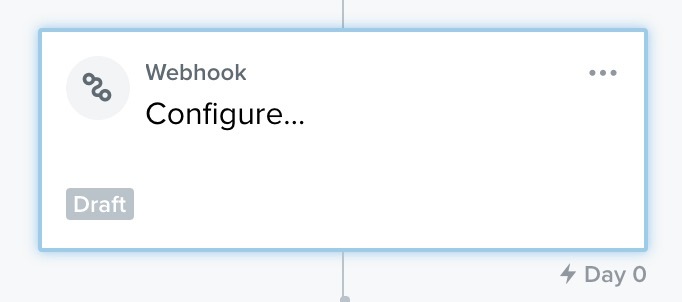
To review your webhook’s current status (e.g., if it received an error or is waiting due to a rate limit issue), click on the webhook card itself in your flow builder.
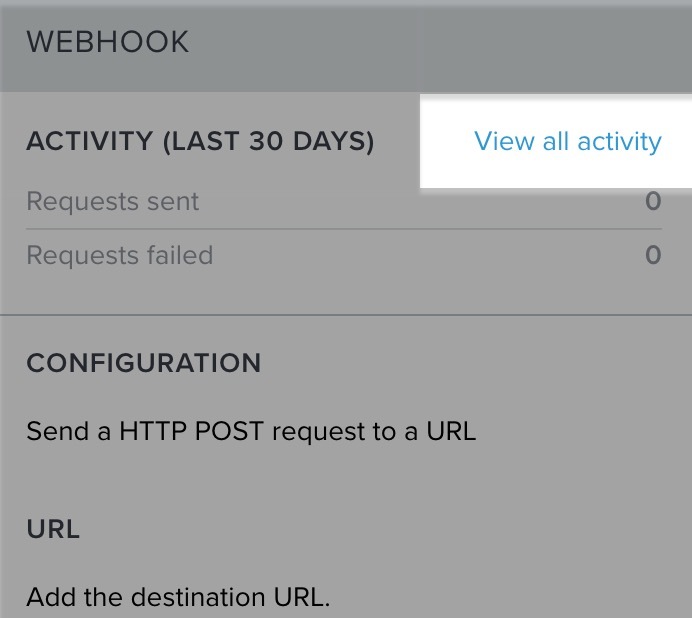
 From here, click **View All Activity** in the left hand panel.
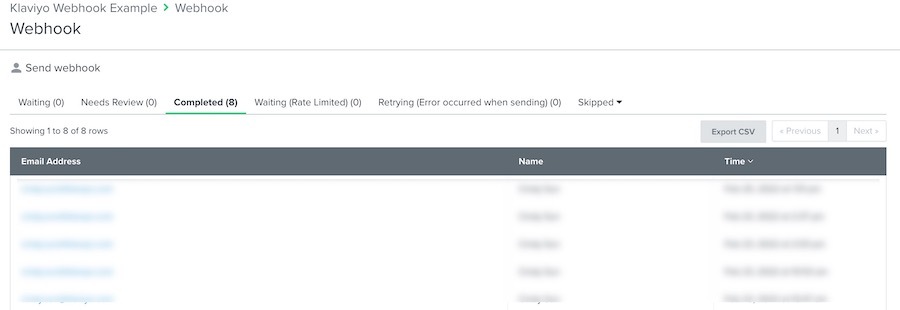
 This will take you to review your current, past, and future webhook requests and their current statuses.
 ## Status codes recorded by Klaviyo
The list below shows the possible webhook status codes and their meanings.
It’s important to note that occasionally, a unique error code may be generated by a third-party provider.
Retryable error codes include:
- **HTTP 429 Response Code**
A webhook has hit a provider’s rate limit and Klaviyo will proceed with an exponential back-off.
- **HTTP 500 Response Code**
A webhook did not deliver due to an issue with the destination server.
- **HTTP 502 Response Code**
This indicates that our server received an invalid response from another server you are using. Usually this is a transient issue and resolved on a retry.
- **HTTP 503 Response Code**
This indicates that our server is not responding and not ready to handle the webhook request.
- **HTTP 503 Response Code**
Our server cannot generate the current requested webhook request.
Anything that is not a retryable code as noted above, will be moved into the skipped flow queue with the logged unretryable status code. From here, you can troubleshoot the error.
## Retries
For any retryable status codes (e.g., 429 codes where a webhook has hit a third-party provider’s rate limit), Klaviyo will retry each evaluation up to 17 times over the course of 24 hours with exponential backoff. This will be at a decreasing rate based on the number of retries that have already occurred.
Additionally, during this retry period, we will log your call as a _Waiting to Retry_ status. If we keep having issues reaching the other provider, your call will go into a _Skipped_ status.
## Additional resources
- Getting started with webhooks
- [How to add a webhook action to a flow](https://developers.klaviyo.com/en/docs/how_to_add_a_webhook_action_to_a_flow.md)